
We made an android app!

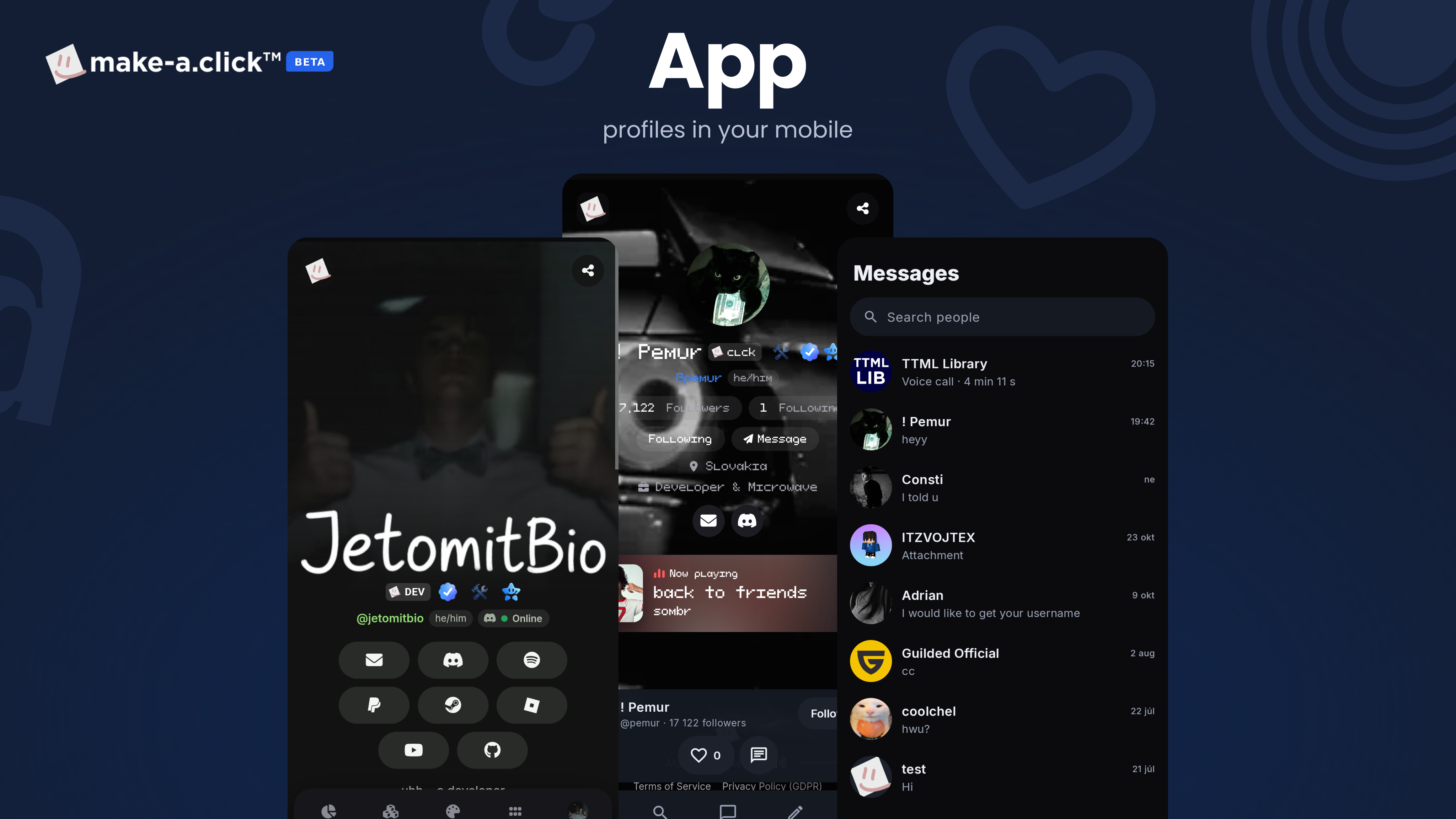
We have decided to build an Android app for make-a.click – and you can try it out right now!
The app is currently in the testing phase on Google Play. If you would like to download it and help us test it, just follow these 3 quick steps:
-
Join the testers group
Join the group with the Google account you use on your phone.
Join the group: https://groups.google.com/g/makeaclick-testers
-
Become a tester
Open the testing page on Google Play with the same account and tap "Become a tester".
Open testing page: https://play.google.com/apps/testing/click.makea.app
-
Install the app
Download make-a.click from Google Play. Updates arrive automatically.
Open Google Play: https://play.google.com/store/apps/details?id=click.makea.app
Tip: If the third link doesn't show the install button, double-check that you are signed in with the exact same Google account in all three steps as the one you use in the Google Play Store on your phone.